Describe the product. Get the model, the render and the GIF.
An Agent Skill that drives Blender through MCP. You bring artwork, sizes and a description. It builds the 3D model, looks at its own renders, and hands back a file, a still, an animation or an interactive page.
InstallView source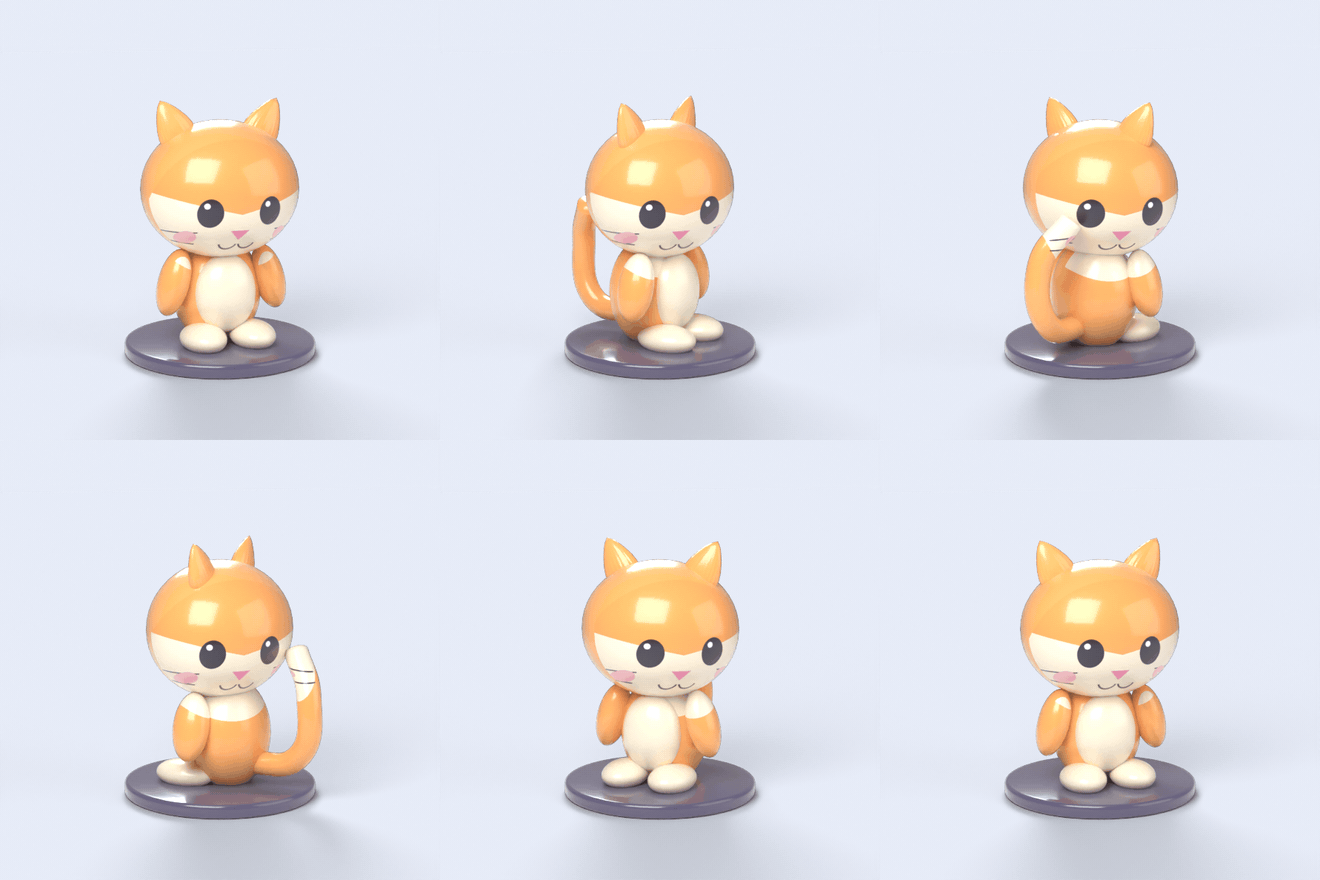
Say what you want out
The skill asks first, because the finish depends on the deliverable.
A model
GLB for web and AR, STL for printing, OBJ, FBX or USD for other tools, and the .blend.
A render
A still on a backdrop or with a transparent background, at the size your page needs.
An animation
Exploded view, turntable, or a process clip such as a printer making a part. MP4 or GIF.
A web page
The GLB in an orbit-and-zoom viewer you can drop into a campaign page.
It works from what you give it: a PNG logo, a description, reference images, real sizes in millimetres. Products it has recipes for: acrylic keychains and other die-cut merch, vinyl figurines, apparel and merch mockups, exploded views, process simulations.
Two examples
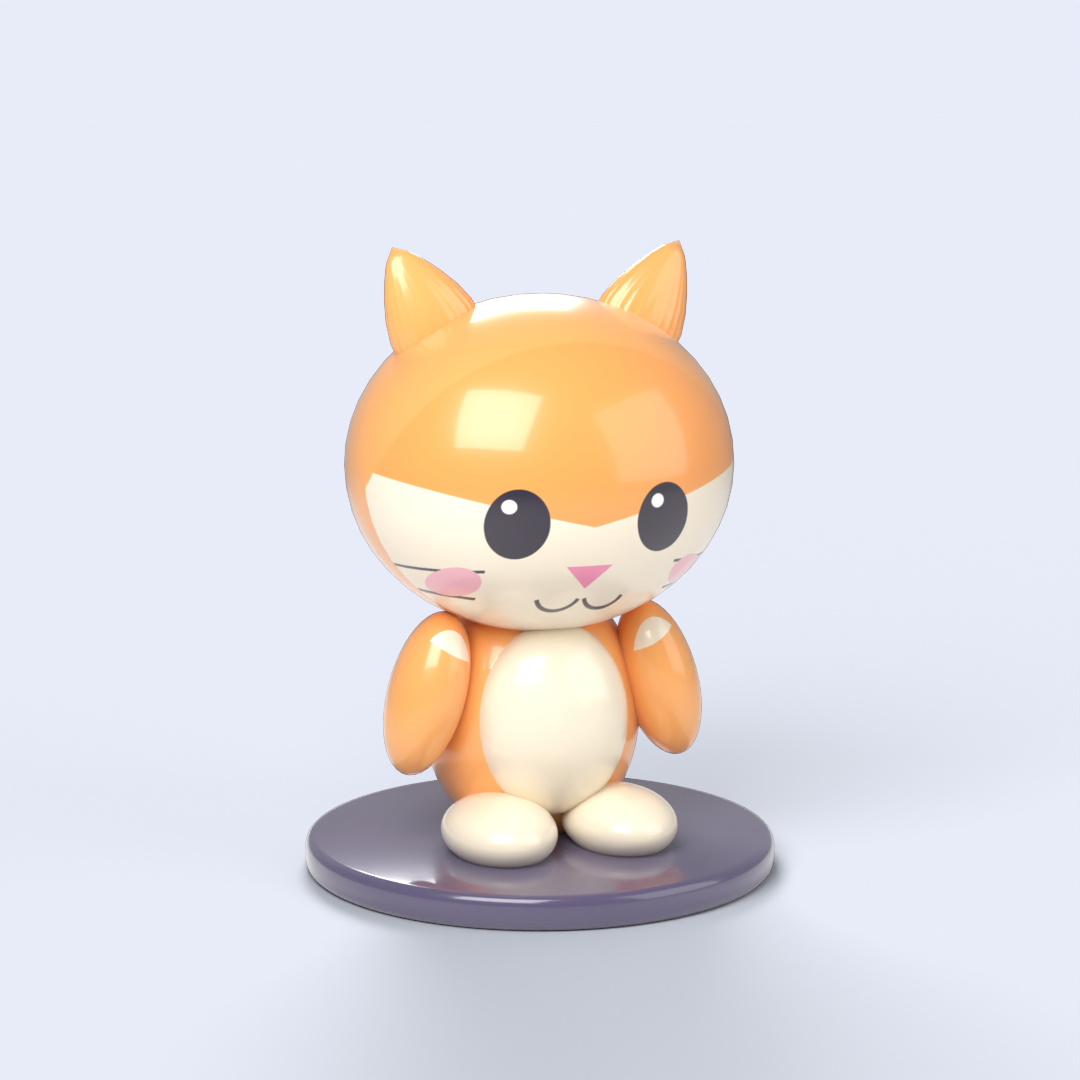
Both use the same sample artwork, a cat called Mochi. Drag the models to turn them.
Acrylic keychain from a PNG
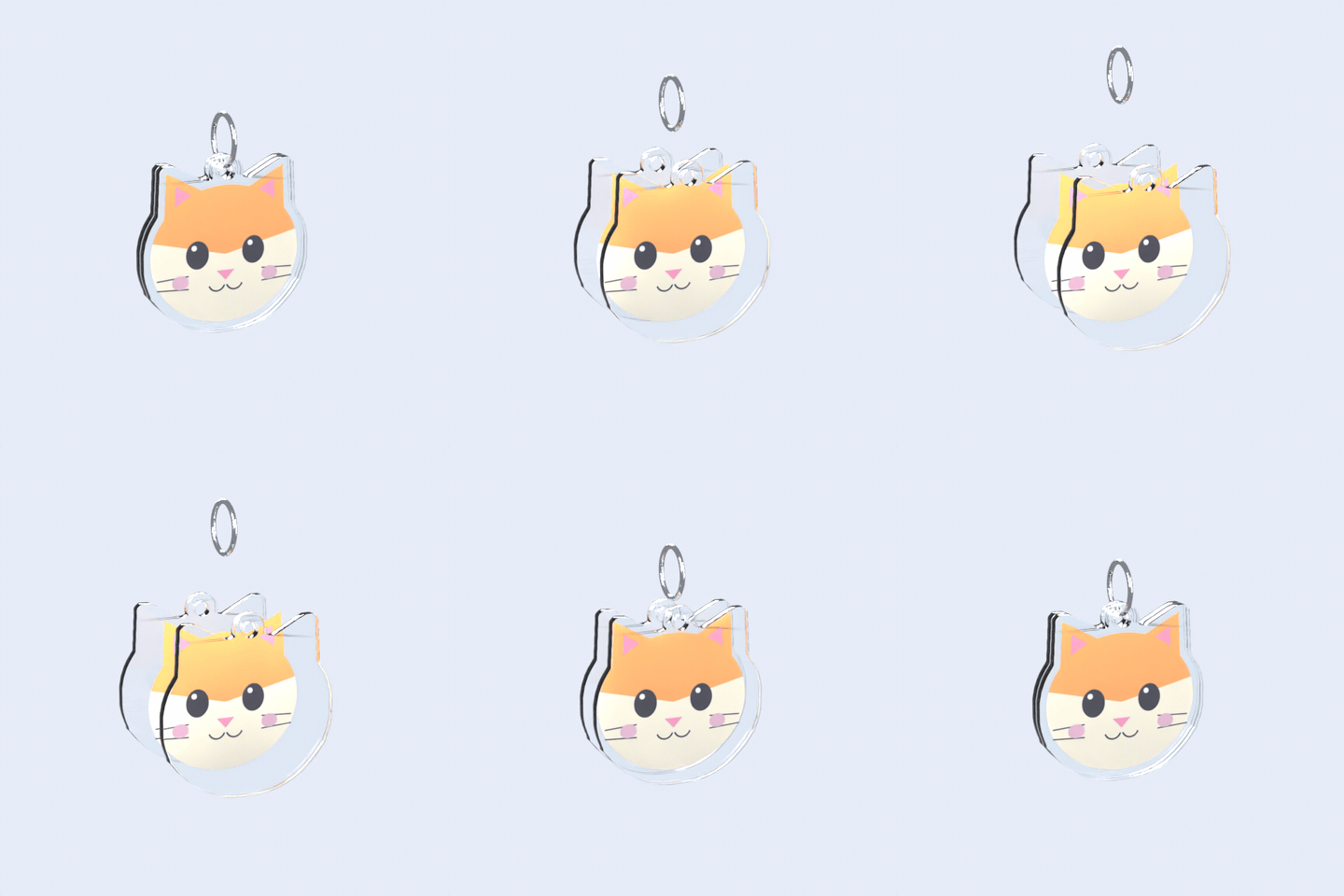
The skill traces the artwork's outline, adds a 2.5 mm acrylic border and a keyring tab, then stacks two 3 mm clear layers around a printed sheet and hangs a chrome split ring through the hole.
| Check | Result |
|---|---|
| Parts | Back acrylic, printed sheet, front acrylic, split ring. 4 objects |
| Size | 51.0 x 51.7 x 3.0 mm per acrylic layer, art 55 mm wide, 0 open edges |
| Files | keychain.glb, keychain.blend, exploded.gif, exploded.mp4, hero.png |
| Not proven | Real acrylic and print colours. The render is a simulation, so ask the manufacturer for a proof before the campaign goes live |
Vinyl figurine with a printed face
Blocked out from spheres and cones, glossy vinyl material with a clear coat, the face artwork projected onto the head, then a full turn under fixed lights.
How a session goes
- Connect. The skill checks the Blender add-on. It never wipes a scene that holds your work and never saves over your file.
- Ask. You pick the deliverable and the product, and share artwork and sizes. Anything missing becomes a named parameter with a stated assumption.
- Build. Small scripts with sizes in millimetres at the top, so one changed number rebuilds the model.
- Look. A render after each step, read by the agent, not just numbers.
- Export. Long renders run in a background Blender so yours stays usable. GIF and MP4 go through ffmpeg.
- Hand over. Files, parameters, assumptions, and what has not been proven.
Untested so far: apparel mockups on garments and the printer process animation have helpers and recipes but no shipped example yet.
Install
You need MCP for Blender set up (Blender 3.0 or newer, the add-on enabled and its server started), Python 3.8+, and an agent that reads skills folders. ffmpeg is only needed for GIF and MP4.
git clone https://github.com/shadowtor/blender-studio.git
cd blender-studio
python tools/install.py --claude --codex     # or --gemini, or --rules for Cursor and Copilot
python skills/blender-studio/scripts/check_setup.py
Or in Claude Code: /plugin marketplace add shadowtor/blender-studio then /plugin install blender-studio@blender-studio. Start a new session, then ask for something to build.