Model it once. Print it, render it or texture it.
An Agent Skill that designs parts in SolidCraft through its MCP server, then finishes them: checked in OrcaSlicer for a Bambu H2C, rendered and exploded in Blender, or textured with MaterialCraft and TextureCraft.
InstallView source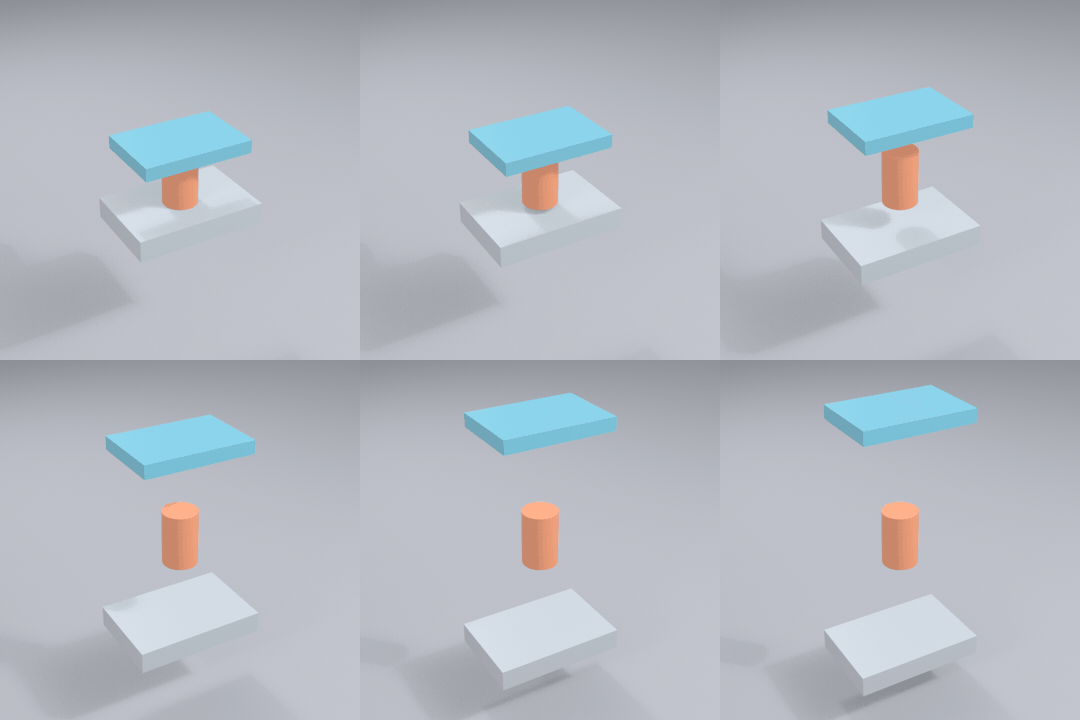
Pick the finish
The skill asks which one you want before it models, because it changes the tolerances.
Fits and wall limits scaled to your nozzle (0.2, 0.4, 0.6) and filament (PLA, PETG, ASA, Bambu profiles). Sliced for the H2C on the build plate you name. Supports are designed away first. When they stay, a tight, solid interface lets them peel off clean.
Render
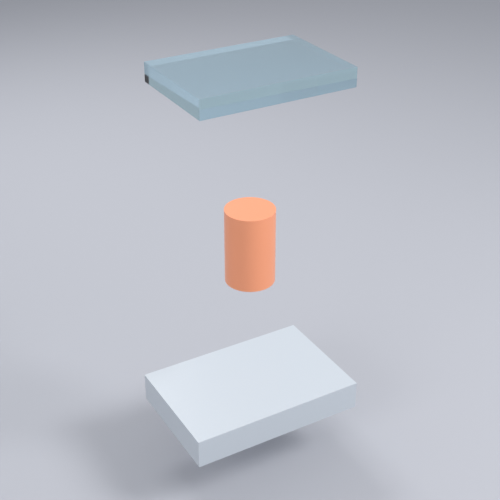
Blender builds the scene, backdrop and lights, and animates exploded views as PNG, MP4 or GIF. Glass and acrylic render in Cycles. EffectCraft adds titles, camera moves and audio.
Textured
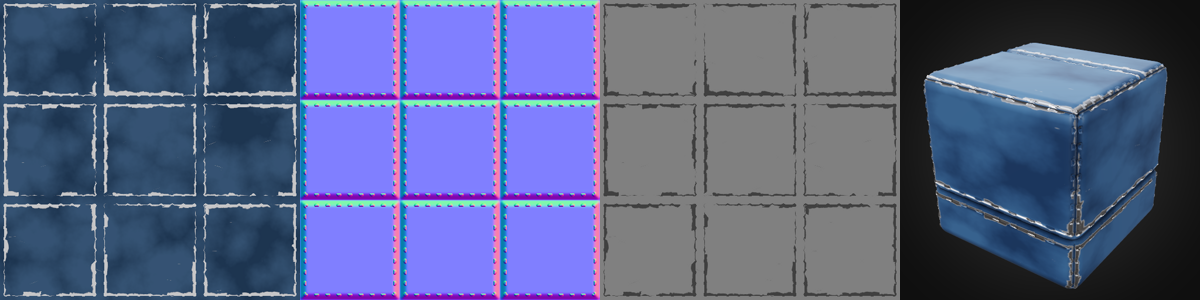
PBR maps from MaterialCraft, projected or UV-mapped in TextureCraft, baked, painted and exported as maps or a GLB for vinyl-toy and game assets.
What was run
Every row below was run on a Windows machine with SolidCraft 0.30.1, OrcaSlicer, Blender 5.2.3 and the Craft apps. Nothing was printed.
Textured model
A SolidCraft assembly given a MaterialCraft metal-plate material through TextureCraft, with baked AO and curvature, exported as a GLB. Drag it to turn it.
Acrylic lid, exploded
| Check | Result |
|---|---|
| Print slicing | The H2C with 0.2, 0.4 and 0.6 mm nozzles, six build plates with different bed temperatures, and PLA, PETG and ASA. A ledge part needs supports and a plain block does not |
| Clean supports | The tight-interface preset slices. A second filament as the support interface also slices, as an estimate only |
| Render | Headless and live Blender, Cycles glass, MP4 and GIF |
| Textures | MaterialCraft maps, triplanar projection, UV projection, baking, painting, decals and a GLB opened in Blender |
| Effects | EffectCraft MP4 with a title and vignette, GPU render, 3D layers, a camera move and AAC audio |
| Not proven | A real print. A test print is the only proof the fit offsets and support settings hold on your printer. Unreal and Unity import, EffectCraft's live-app bridge and .mcmat sharing are untried |
How a session goes
- Connect. The skill talks to
solidcraft-cli mcpover stdio, limited to your project folder. - Brief. You pick the finish, give sizes and materials. Missing numbers become named parameters with a stated assumption.
- Build. Parametric commands, a screenshot after each step, and measurements checked against the brief.
- Finish. Print:
slicer_check.pyslices it for your nozzle, plate and filament. Render: Blender or EffectCraft. Textured: MaterialCraft then TextureCraft. - Hand over. Files, parameters, assumptions and what has not been proven.
Install
You need SolidCraft, Python 3.8+ and an agent that reads skills. OrcaSlicer with Bambu Studio installed (for its profiles), Blender, ffmpeg and the other Craft apps are optional and only enable their finish.
In Claude Code:
/plugin marketplace add shadowtor/solidcraft-studio
/plugin install solidcraft-studio@solidcraft-studio
Or with the installer:
git clone https://github.com/shadowtor/solidcraft-studio.git
cd solidcraft-studio
python tools/install.py --claude --codex     # or --gemini, or --rules for Cursor and Copilot
python skills/solidcraft-studio/scripts/check_setup.py
Start a new session, then ask for something to build.